

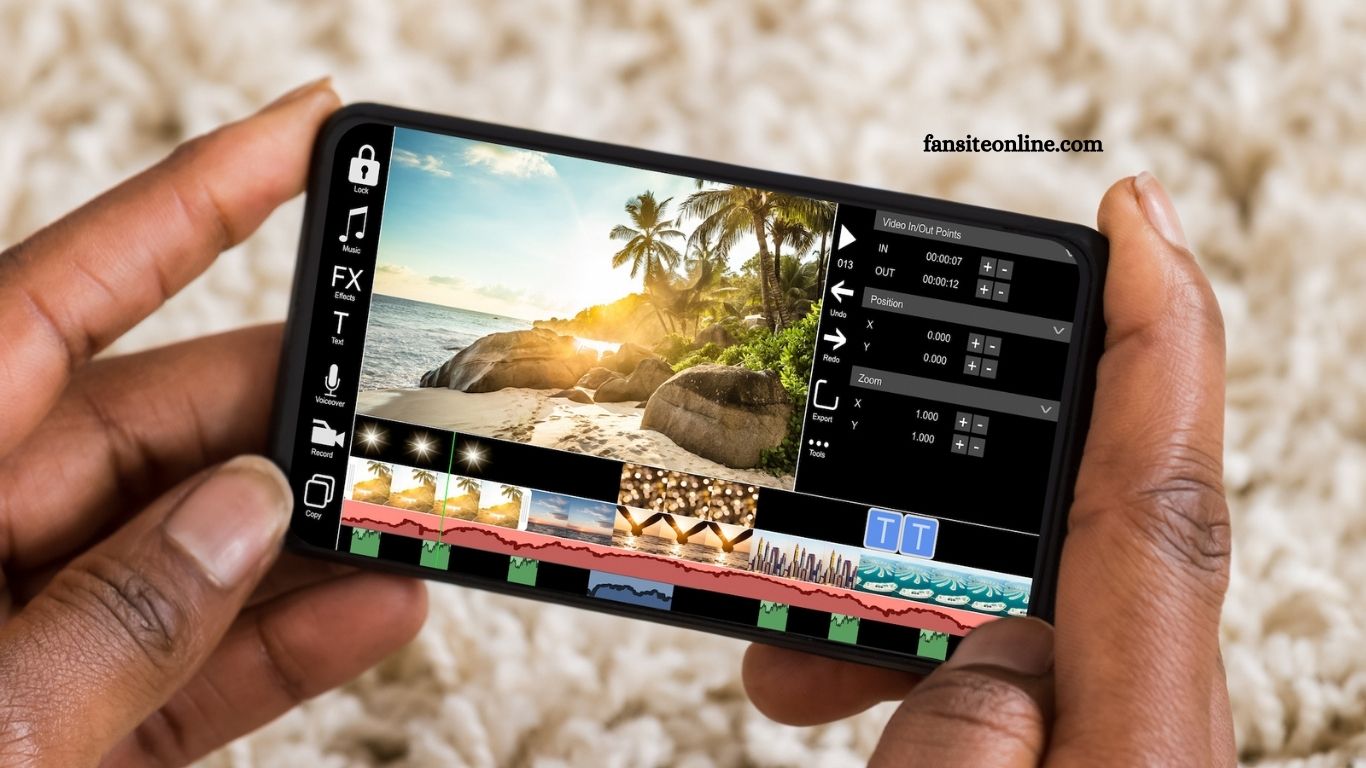
Creating professional-quality videos on your phone has never been easier. With the right mobile video editor, you can trim, cut, add effects, and share content in minutes no desktop required. Whether you’re a content creator, social media enthusiast, or just editing for fun, choosing the right app can make a big difference in quality and speed.
In this guide, we highlight the top 3 mobile video editors that combine powerful features with user-friendly interfaces. These apps are perfect for editing on the go, offering tools like filters, transitions, audio control, and more. Whether you’re using Android or iOS, these editors will help you craft stunning videos straight from your smartphone. Let’s explore the best tools for mobile video editing.
CapCut – Best All-Round Mobile Video Editor
- Platform: Android & iOS
- Price: Free (with optional in-app purchases)
- Best For: TikTok creators, influencers, and short-form video content
Read More: Why Smartphones Overheat and How to Prevent It
Why CapCut Stands Out
CapCut, developed by ByteDance (the creators of TikTok), has quickly become one of the most popular mobile video editors. With its user-friendly interface and a wide range of built-in effects, it empowers users to create stunning videos without a steep learning curve.
CapCut offers advanced features like multi-layer editing, keyframe animations, and chroma key (green screen) tools usually found in desktop editors. It also includes trendy transitions, filters, and sound effects, ideal for social media videos.
Key Features:
Drag-and-drop timeline for easy editing
- Built-in templates and AI-powered auto-captioning
- Speed controls, reverse, and stabilization
- Royalty-free music and sound effects library
- Direct export to TikTok and other platforms
Pros:
- Completely free with minimal watermarks
- Regularly updated with new features
- Perfect for short, dynamic videos
Cons:
- Limited features for long-format or cinematic videos
InShot – Best for Social Media Videos
Platform: Android & iOS
- Price: Free (Pro version available for $3.99/month or $34.99 lifetime)
- Best For: Instagram, YouTube Shorts, Stories, and Reels
Why InShot Is a Favorite
InShot is designed with social media creators in mind. It provides a straightforward interface, making it perfect for quick edits, adding music, or resizing videos for different platforms. The app supports both video and photo editing, making it a versatile tool for content creation.
InShot’s strength lies in its simplicity and customization options. It allows users to trim, cut, merge, and speed up videos, along with adding stylish transitions, text, and filters. The ability to adjust video aspect ratios (1:1, 9:16, 16:9) helps users optimize content for platforms like Instagram, TikTok, or YouTube.
Key Features:
- Intuitive interface for fast editing
- Stylish fonts, text effects, and stickers
- Background blur for resizing videos
- Custom music import and voiceovers
- Batch export and high-resolution output
Pros:
- Fast processing with smooth performance
- Highly customizable for brand consistency
- Ideal for quick social content production
Cons:
- Free version includes watermarks
- Limited advanced editing tools
KineMaster – Best for Professional-Level Editing
Platform: Android & iOS
- Price: Free (Subscription starts at $4.99/month)
- b Semi-pro editors, YouTubers, educators, and marketers
Why KineMaster Impresses
KineMaster is a powerful mobile video editing app with professional-grade tools that rival desktop software. It supports multi-layer video editing, precision trimming, chroma key, and voiceovers. Despite its robust features, the app remains user-friendly and accessible to beginners.
Ideal for those looking to elevate their editing skills, KineMaster allows greater control over video elements with keyframe animation and blending modes. It’s especially great for YouTube content, tutorials, and marketing videos.
Key Features:
- Multi-track audio and video layers
- Frame-by-frame trimming and precise controls
- Real-time recording and voice-over tools
- Built-in asset store with effects, music, and transitions
- 4K export and social media integration
Pros:
- Desktop-level features on mobile
- Great control over video elements
- Supports high-resolution exports
Cons:
- Watermarks in free version
- Learning curve for complete beginners
How to Choose the Right Mobile Video Editor
Choosing the best video editor depends on your goals and editing experience. Here are a few tips to help:
- For Beginners & Casual Creators: CapCut or InShot are perfect choices. Both are intuitive and require no prior editing experience.
- For Social Media Pros: InShot stands out for its fast editing, aspect ratio controls, and stylish features suited for Reels, Shorts, and Stories.
- For Serious Creators & Educators: KineMaster offers the advanced tools needed for longer, high-quality content with precise editing.
Frequently Asked Questions
Which is the best free video editing app for mobile?
CapCut is one of the best free video editors for mobile, offering advanced features like transitions, effects, and audio tools without charging users or placing heavy restrictions.
Can I edit 4K videos on my smartphone?
Yes, apps like KineMaster support 4K video editing and exporting, provided your smartphone hardware supports 4K processing.
Which app is best for editing videos for TikTok or Instagram Reels?
InShot and CapCut are ideal for TikTok and Instagram Reels. They offer vertical video formatting, trendy effects, and easy sharing to social media platforms.
Do these mobile editors leave a watermark?
Free versions of InShot and KineMaster include a watermark, but it can be removed by upgrading to the paid version. CapCut allows you to remove the watermark for free.
Are these video editors suitable for beginners?
Yes. All three apps CapCut, InShot, and KineMaster are beginner-friendly. CapCut and InShot are especially easy to use with drag-and-drop tools and pre-made templates.
Can I use music and sound effects legally in these apps?
Most of these apps offer royalty-free music and effects for personal or social use. For commercial use, it’s best to check the licensing terms within the app.
Which video editor is best for YouTube content?
KineMaster is ideal for YouTube, thanks to its advanced timeline editing, voice-over tools, and multi-layer support.
Conclusion
Choosing the right mobile video editor can significantly improve the quality and efficiency of your content creation. Whether you’re looking for simplicity, advanced features, or social media optimization, CapCut, InShot, and KineMaster are among the best options available today. Each app offers unique strengths—allowing you to edit videos easily, quickly, and professionally, right from your phone. Explore their features, test what fits your workflow, and start creating impressive videos on the go.
