

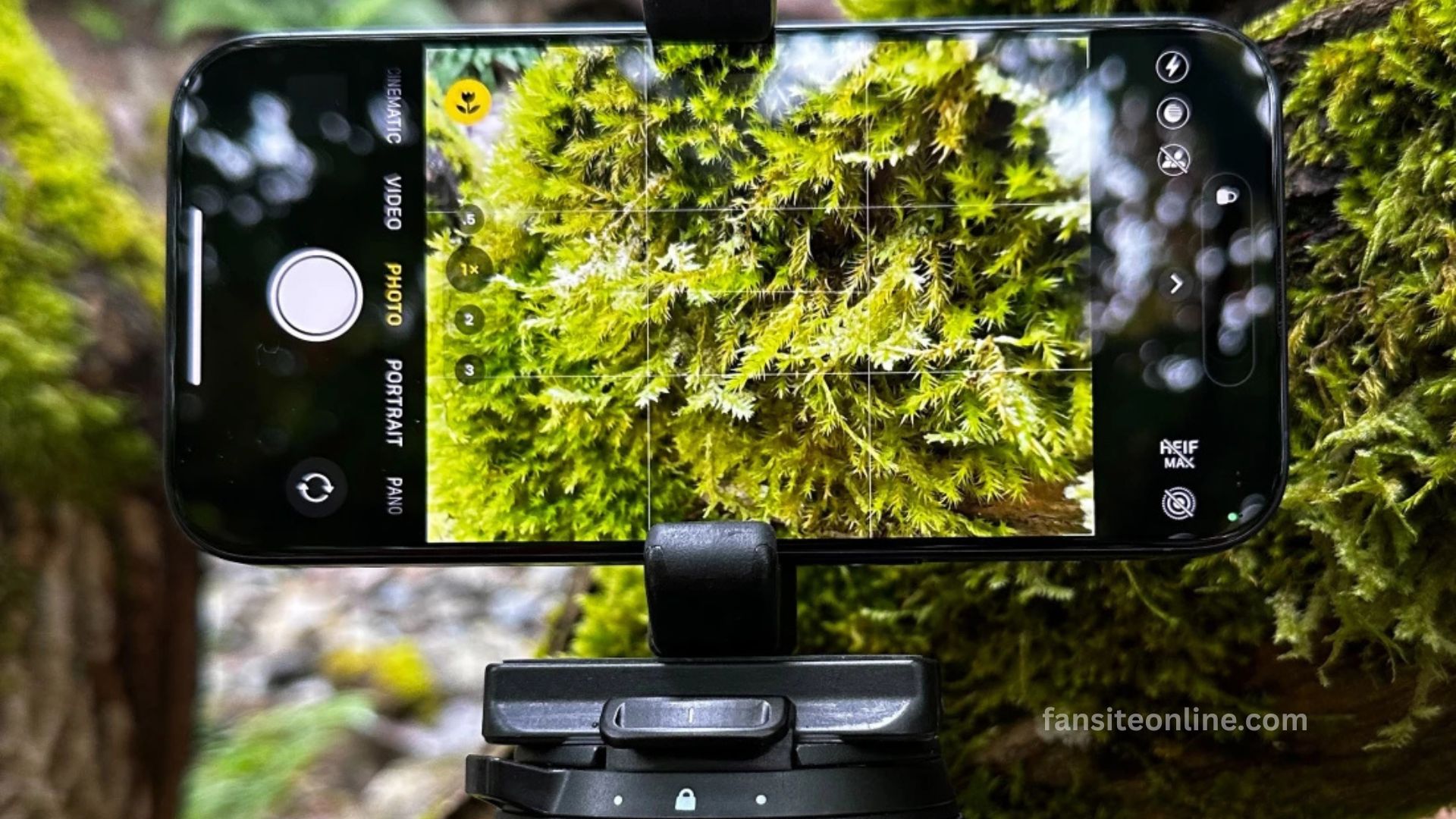
Cell phone cameras have transformed how we capture and share life’s moments. With advancements in mobile photography, your smartphone now rivals traditional cameras in many scenarios. Whether you’re shooting landscapes, portraits, or quick snaps for social media, understanding how to use your phone’s camera effectively can dramatically enhance your photography.
This guide offers practical tips and techniques to help you get the most out of your cell phone camera—regardless of the model you use.
Understand Your Camera’s Capabilities
Before diving into photography techniques, it’s essential to explore what your smartphone camera can do. Most modern cell phones come with multiple lenses (wide, ultra-wide, telephoto), high-resolution sensors, and AI-powered enhancements.
Read More: How to Update Your TV Software
Key Features to Explore:
- Manual/Pro mode: Offers control over ISO, shutter speed, and white balance.
- HDR (High Dynamic Range): Helps balance exposure in high-contrast scenes.
- Night mode: Enhances low-light photography without flash.
- Portrait mode: Creates a bokeh effect by blurring the background.
- Macro mode: Allows close-up shots with fine detail.
Familiarize yourself with these features in your native camera app or explore third-party apps like Halide, ProCamera, or Camera+ for iOS and Android.
Master Composition Techniques
A well-composed photo is visually compelling and professionally appealing. Even with the best phone camera, poor composition results in average images.
Use These Composition Rules:
- Rule of Thirds: Enable the grid in your camera settings and align subjects along the lines or intersections.
- Leading Lines: Use roads, fences, or architecture to direct the viewer’s eye.
- Framing: Use natural frames like doorways or branches to add depth.
- Symmetry and Patterns: Look for balance and repetition to create aesthetic appeal.
Tap to Focus and Adjust Exposure
Many users overlook this crucial feature. Tapping on your subject on the screen helps your phone focus and adjusts the exposure automatically. You can also manually increase or decrease brightness using the on-screen slider (usually a sun icon).
Proper focus and exposure ensure your subject is sharp and well-lit, especially in complex lighting scenarios.
Stabilize Your Shots
Blurry images usually come from camera shake, especially in low light or when using zoom. To stabilize your phone:
- Use both hands and tuck your elbows for support.
- Lean against a surface or use a tripod or selfie stick with a mount.
- Use the timer or voice command to reduce movement when pressing the shutter.
Stability significantly improves clarity, especially for long exposure or night mode shots.
Use Burst Mode for Action Shots
Capturing moving subjects like pets, kids, or sports requires timing. Burst mode takes multiple shots in quick succession so you can pick the sharpest or best-timed image.
Hold down the shutter button (varies by phone model) and review your shots later to choose the perfect frame.
Keep Your Camera App Updated
Updates often include performance enhancements, bug fixes, and new features. Check your app store for updates or install the latest firmware for your device to ensure you’re getting the best possible camera experience.
Practice Makes Perfect
No tip beats consistent practice. Take photos daily, analyze your results, and learn from mistakes. Join mobile photography communities, study tutorials, and follow professional smartphone photographers on platforms like Instagram or YouTube.
Frequently Asked Questions
How do I take better photos with my cell phone camera?
Use natural light, keep your lens clean, tap to focus, and apply basic composition rules like the rule of thirds.
What is the best time to take photos outdoors?
The golden hour, just after sunrise or before sunset, provides the best natural lighting for photos.
How can I avoid blurry pictures on my phone?
Hold your phone steady with both hands or use a tripod, and tap to focus before taking the shot.
Does cleaning the lens really improve photo quality?
Yes, a clean lens prevents blurry or foggy images and ensures sharper photos.
Can I take photos in low light with my phone?
Yes, use your phone’s night mode or increase stability and light exposure manually.
What is portrait mode used for?
Portrait mode blurs the background to make the subject stand out, creating a professional-looking photo.
Should I use my phone’s zoom feature?
Avoid digital zoom when possible as it reduces image quality; instead, move closer or use the optical zoom lens if available.
Conclusion
Mastering your cell phone camera is easier than ever with today’s advanced features and simple techniques. By understanding your camera’s capabilities, using natural light effectively, applying composition rules, and editing thoughtfully, you can capture stunning photos every time. Regular practice and experimenting with different settings will unlock your phone’s full photographic potential.
